PREP-STEP 3: Deploy-Agent Setup
These procedures utilize the Deploy-Agent PowerShell module (262COS-CVAH_Agent_Deployer-SCRIPT-001) to deploy agents.
PowerShell ISE Setup
- It is very highly recommended to use a PowerShell_ISE terminal as opposed to a regular PowerShell terminal so that you can prepare your commands prior to fully executing
- The
$Credentialvariable is used to provide credentials to Windows endpoints – this can be omitted if you are not deploying to Windows targets - The
$SSHCredentialvariable is used to provide credentials to Linux endpoints – this can be omitted if you are not deploying to Linux targets (though if the script encounters a Linux host, it will attempt to login with the Windows credentials if this variable was not supplied) - The
$Targetsvariable can either be populated with a line-by-line target list file of IP addresses and/or FQDN hostnames (as displayed in the command below), or directly populated with an array of targets (EX:@("1.1.1.1","target_host.local"))
-
Open an administrative
PowerShell_ISE.exeterminal -
In the
Script Pane, store credentials and the target IPs/FQDN hostnames in variables:NOTE: Replace
<TARGETS_FILE>with the actual filepath
TIP: The$Targetsvariable can also just contain an array of IPs (EX:@("10.0.0.1","10.0.0.2"))$Credential = Get-Credential
$SSHCredential = Get-Credential
$Targets = $(Get-Content "<TARGETS_FILE>") -
Press the green
Run Scriptbutton ([F5]) to be prompted to store the respective credentials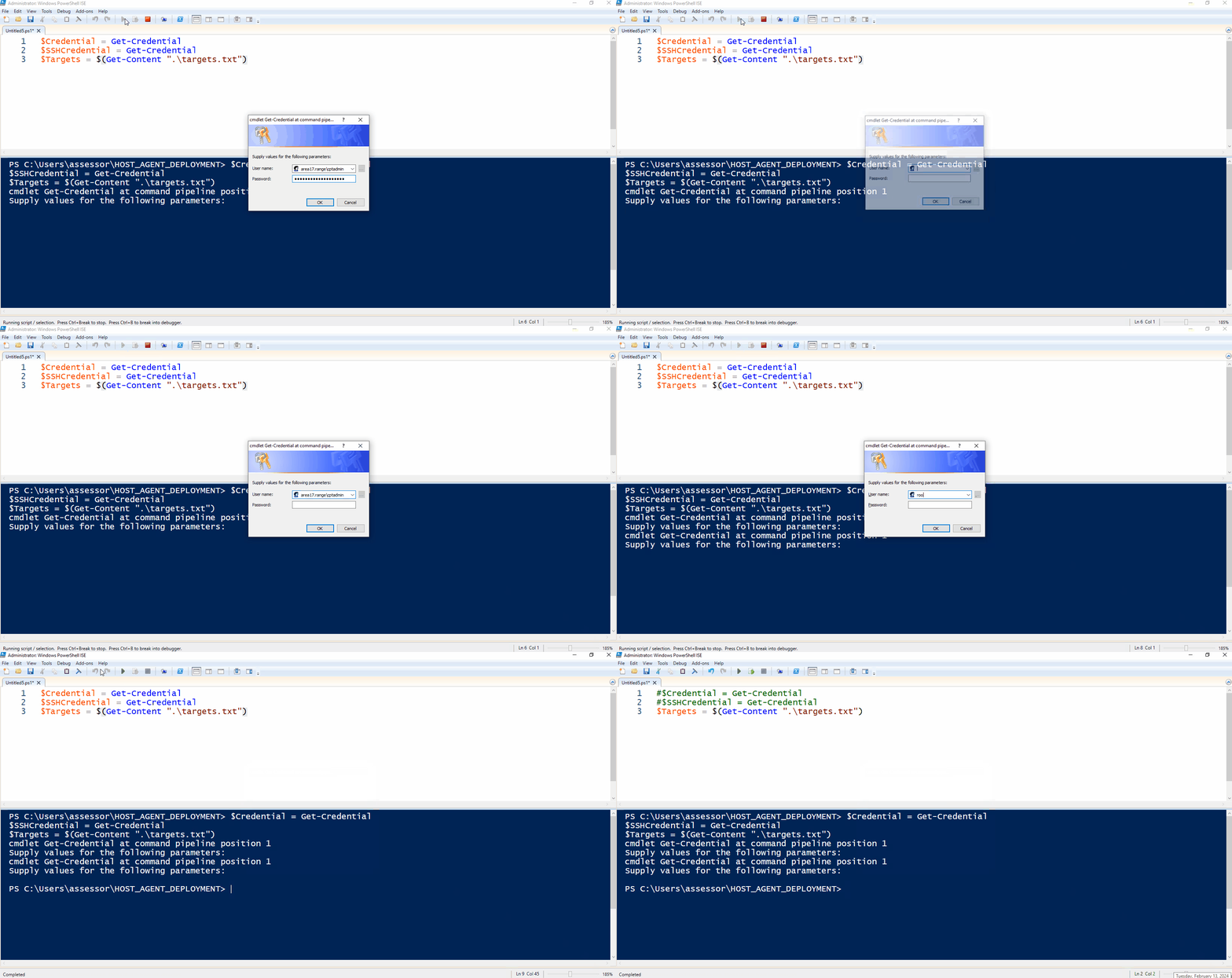
-
Comment out the
$Credential/$SSHCredentiallines so that you don't accidentally clear out the credentials later#$Credential = Get-Credential
#$SSHCredential = Get-Credential
$Targets = $(Get-Content "<TARGETS_FILE>")
PowerShell ISE Execution
The Windows 10 VM on a MIP deployed from a DIP configured IAW 262COS-DIP-SOP-001 - CVAH DIP Setup will already have the Deploy-Agent.psm1 module loaded.
-
Copy the
Endgame+Sysmon+WinlogbeatTFPlenum host agent installer zip to you working directory -
Copy the
Deploy-Agent.psm1module (262COS-CVAH_Agent_Deployer-SCRIPT-001) your working directory and import it as a module within your PowerShell session:Import-Module .\Deploy-Agent.psm1 -Force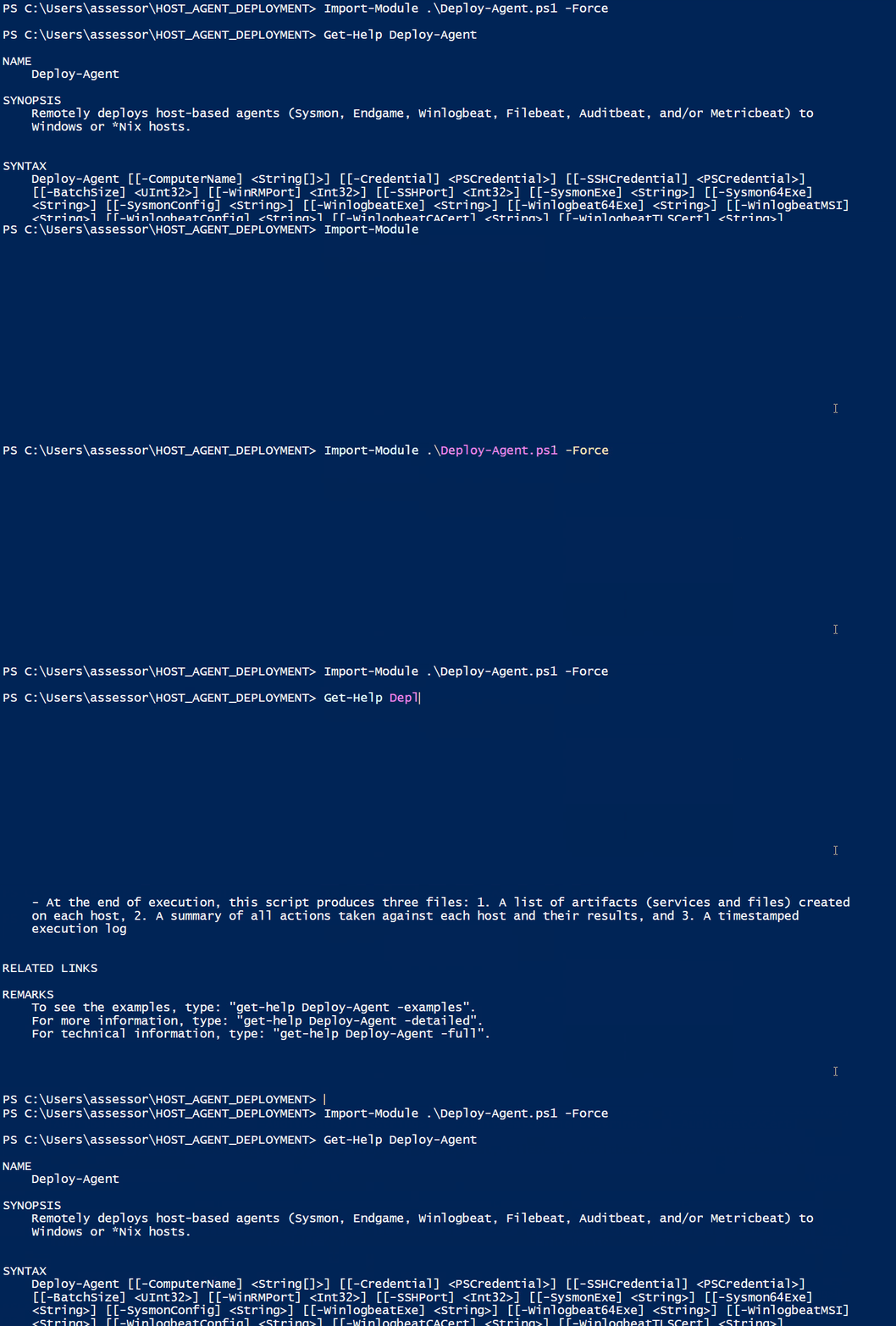
-
Populate the remaining arguments and commands by performing one of or a combination of the procedures in the following sections depending on your desired action:
# $Credential = Get-Credential
# $SSHCredential = Get-Credential
$Targets = $(Get-Content "<TARGETS_FILE>")

# REST OF CODE HERE -
AFTER populating the remaining arguments and commands for your desired action, press the green
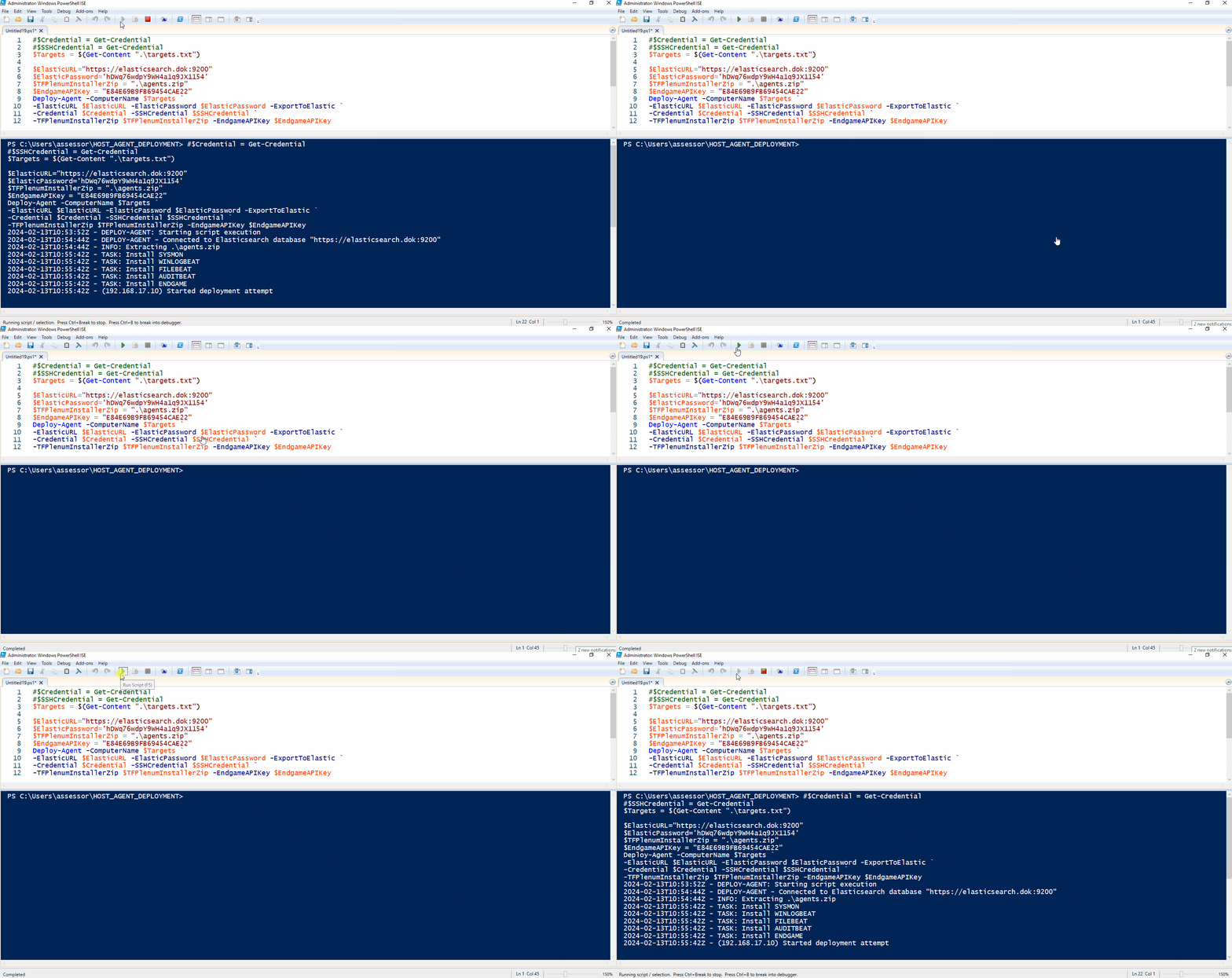
Run Scriptbutton ([F5]) to start the deployment